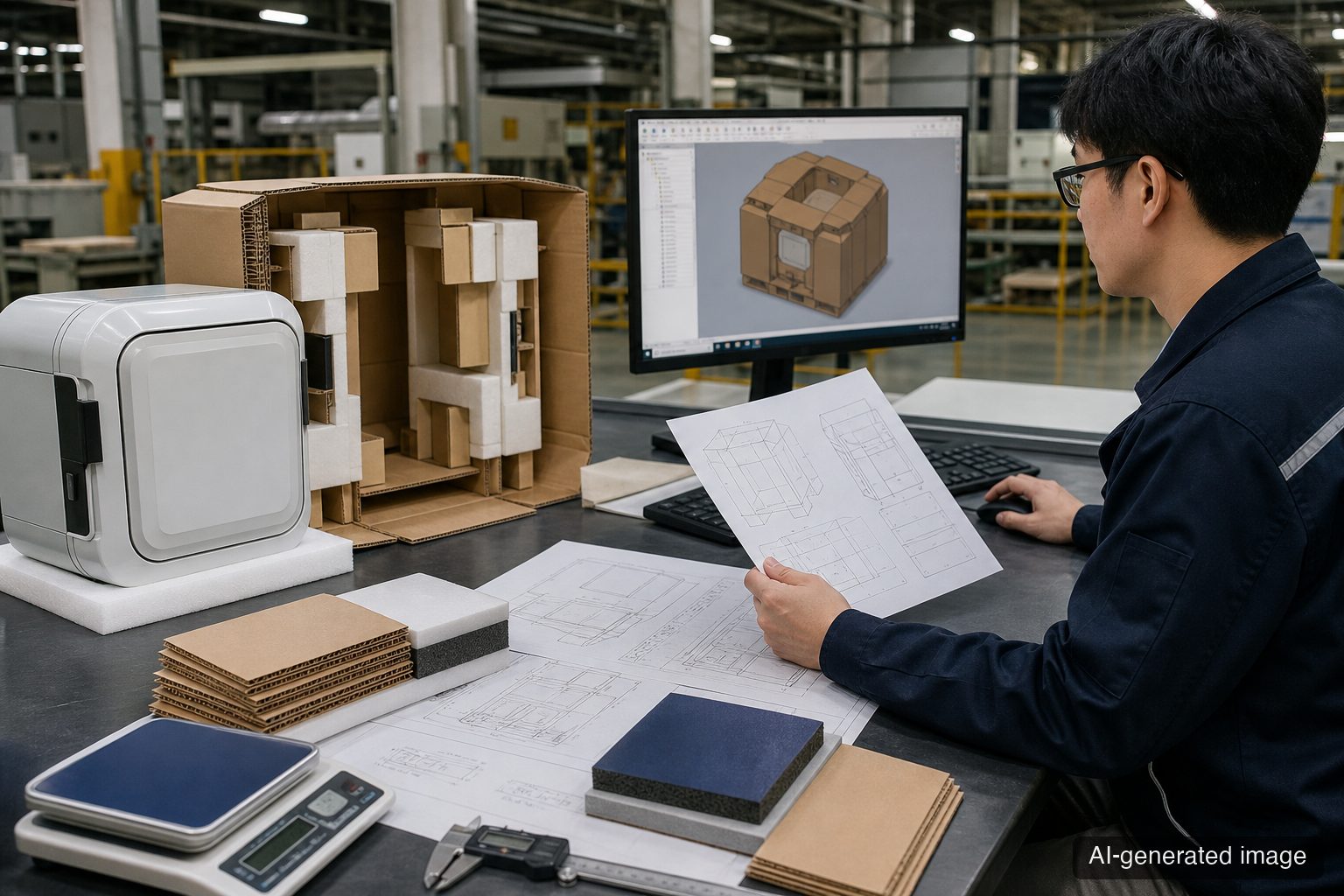
An AI-generated packaging drawing was ready in 30 minutes, but it used the previous product revision and omitted the center of gravity and protrusion locations. Sending that drawing directly to a tooling supplier would turn fast design into fast failure. This article gives packaging design, quality, purchasing, and logistics teams a shared human release-gate table to use before AI-generated CAD leaves the company.
The Ground-Level Problem
Packaging design automation can sharply reduce repetitive work in 3D modeling, structural option generation, load arrangement, and container-loading review. The problem is that calculation speed and release readiness are not the same thing.
AI and automation tools produce results within the inputs and rules they receive. A drawing can look plausible and still fail on the floor when any of the following are missing or outdated:
- Product revision, actual weight, center of gravity, protrusions, and fragile areas
- Corrugated board, cushioning material, product contact surfaces, and assembly tolerances
- Access conditions for forks, clamps, conveyors, and other handling equipment
- Pallet footprint, stacking orientation, container internal dimensions, and load quantity
- A drop, vibration, and compression test plan tied to the distribution route
- Version and approval history for the CAD model, generation rules, and output files
Drawing release is not simply pressing Save. It is approval to transmit design assumptions into the supply chain. Human review does not undo automation. It is the last gate that prevents a bad input from multiplying into tooling, material orders, and mass production.
Evidence to Verify
The public sources show how far the automation initiative has progressed. They do not guarantee the same time reduction or automatic approval for every package.
- LG Electronics’ official newsroom reported on July 29, 2026 that a product-packaging design automation project was selected through its internal AX hackathon. The company says the project implements 3D modeling, experienced developers’ decision logic, and container-loading optimization with AI, and calculates that packaging design work that averaged 120 hours could be completed at about the 1.5-hour level. This is a company-reported calculation for its own project, not an industry average or an automatic release criterion for completed drawings.
- The Elec independently reported the same announcement and explained that the solution is scheduled for proof-of-concept work followed by phased expansion across applicable organizations. The confirmed public stage is therefore automated-generation potential plus a PoC expansion plan. The public sources do not disclose product-family-specific test conditions, acceptance criteria, or authority to release tooling drawings.
The operational conclusion is not simply that 120 hours becomes 1.5 hours. It is that generation time and approval time must be managed separately. The faster generation becomes, the clearer the gate must be for checking inputs, the physical prototype, logistics conditions, and change history.
Practical Deliverable
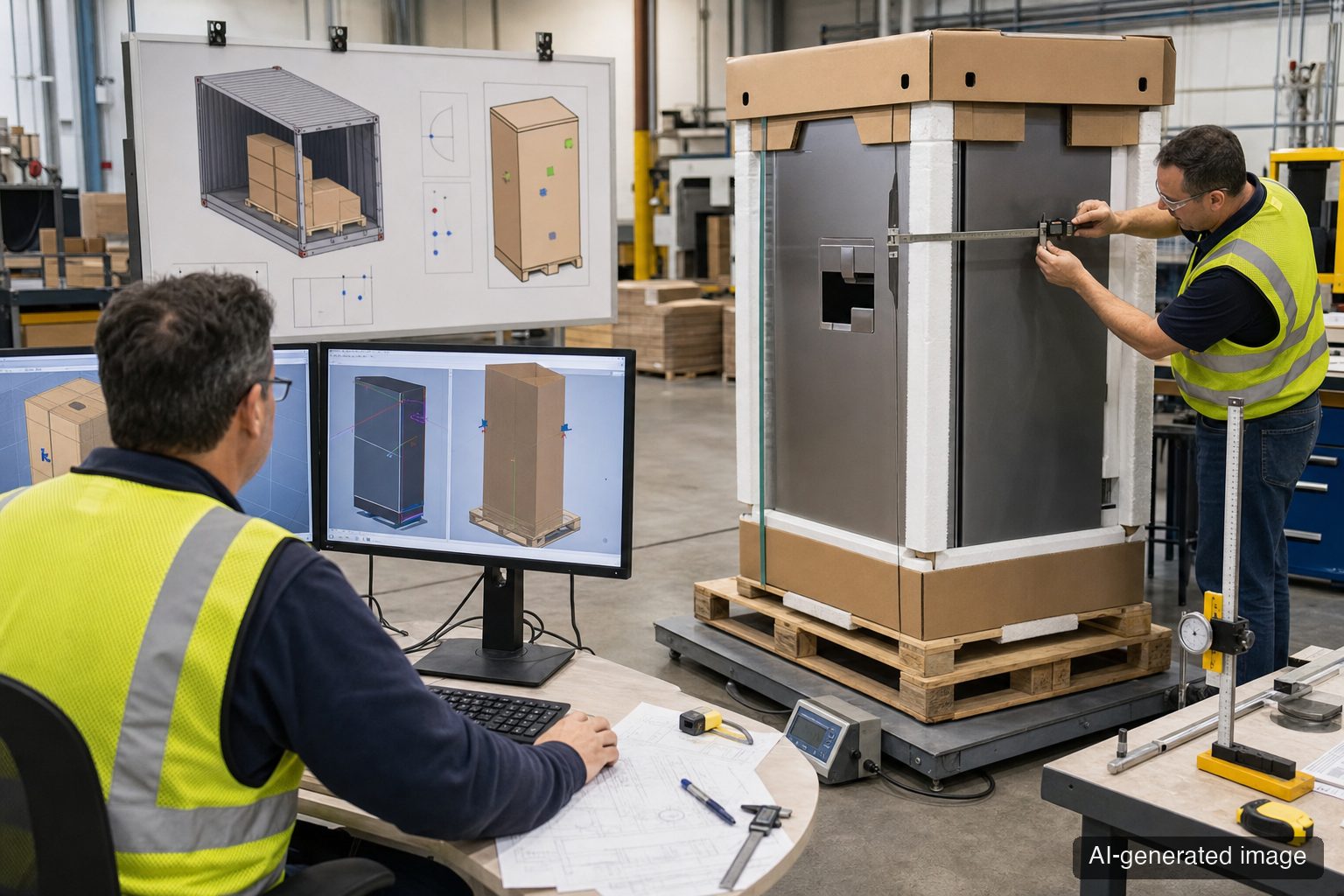
The table below is a minimum human approval record before AI-generated packaging CAD is sent to a tooling supplier, corrugated converter, or packaging partner. Acceptance values must come from company, product, route, and customer approval documents. Do not invent tolerances or test levels that the public sources do not provide.
| Release Gate | Input or Observation to Check | Basis Source | Status | Owner, Action, and Trigger |
|---|---|---|---|---|
| Lock the product basis | Product revision, external dimensions, measured weight, center of gravity, protrusions, fragile areas | Approved product drawing, BOM, measurement record | Hold release if unresolved | Design: confirm that latest revision matches the physical product. Trigger: product design change |
| Compare the packaging structure | Board grade and flute, cushioning specification, product contact surfaces, assembly tolerances, dieline version | Approved packaging specification, supplier drawing | Reject if document and CAD differ | Packaging design: correct mismatches and resubmit. Trigger: material or structure change |
| Check the physical prototype | Measured internal and external dimensions, assembly, interference, cushioning contacts, opening and repacking | Internal prototype validation plan | Hold release if no prototype has been checked | Quality: record measurements and photos. Trigger: first tooling or revision change |
| Confirm handling and logistics | Pallet footprint, stacking orientation, fork access, conveyor limits, container internal dimensions and quantity | Logistics specification, carrier and customer requirements | Hold if input is missing | Logistics: confirm actual route and equipment conditions. Trigger: new route, warehouse, or 3PL |
| Connect the test plan | Drop, vibration, and compression test items, sample count, and decision document tied to product weight and route | Customer requirement, applicable standard text, internal quality plan | Do not state test levels while conditions are open | Quality: approve the plan after confirming scope. Trigger: new product or route |
| Preserve change history | CAD model version, generation-rule version, input files, before-and-after values, generation date | Design change-control procedure | Reject release if no history exists | Design/IT: retain reproducible inputs and reasons for changes. Trigger: rerunning automated generation |
| Control supplier release | Version of released PDF, DXF, or other output, recipient, approver, approval time, obsolete version disposal | Purchasing and drawing-distribution procedure | Do not transmit before approval | Purchasing: send only the approved file. Trigger: tooling, sample, or production order |
Human Approval Sequence
- Product design locks the product revision and AI input files.
- Packaging design compares CAD against the packaging specification and physical prototype.
- Quality confirms the link between the test plan and prototype results.
- Logistics confirms pallet, handling-equipment, and container conditions.
- Purchasing verifies the approver and file version before releasing only the approved package to the supplier.
Logs to Keep with Automation
Do not keep only the final CAD file. At minimum, retain the following so the result can be reproduced and the source of an error can be traced:
- Product revision and input-file path or ID
- Design-rule and software versions used
- Dimensions, structure, or material fields changed by a human, with reasons
- Prototype measurement results and a link to the test plan
- Release approver, approval time, and final file version sent to the supplier
Without this record, faster design leaves every defect labeled vaguely as an “AI drawing problem.” With input and approval history, the team can separate an automation error from outdated product information or an unrecorded material change on the floor.
Conditions for Holding Application
Hold tooling, sample, and production release even when the CAD geometry looks complete if any of the following applies:
- The current product revision and AI input revision do not match
- Actual weight, center of gravity, protrusions, or fragile areas are unknown
- Assembly, interference, and cushioning contacts have not been checked on a physical packaging prototype
- Pallet, handling-equipment, or container conditions remain open
- Product weight and distribution route are missing, so test conditions cannot be determined
- Version history for CAD, generation rules, and released files has not been retained
- A required approver from design, quality, logistics, or purchasing has not signed off
Documents, Samples, and Tests to Check Today
- Current product drawing, BOM, 3D model, and the physical product revision
- Records of measured weight, center of gravity, protrusions, and fragile areas
- Corrugated board and cushioning specifications plus one physical prototype set
- Logistics specification covering pallet, fork, conveyor, and container conditions
- Draft drop, vibration, and compression test plan populated with product weight and distribution route
- Version records for CAD inputs, generation rules, human edits, and the final release file
About the Author
PackingMaster: Editor of Paper Pack Log. We collect and organize market trends, product information, and technical insights for the paper packaging industry.