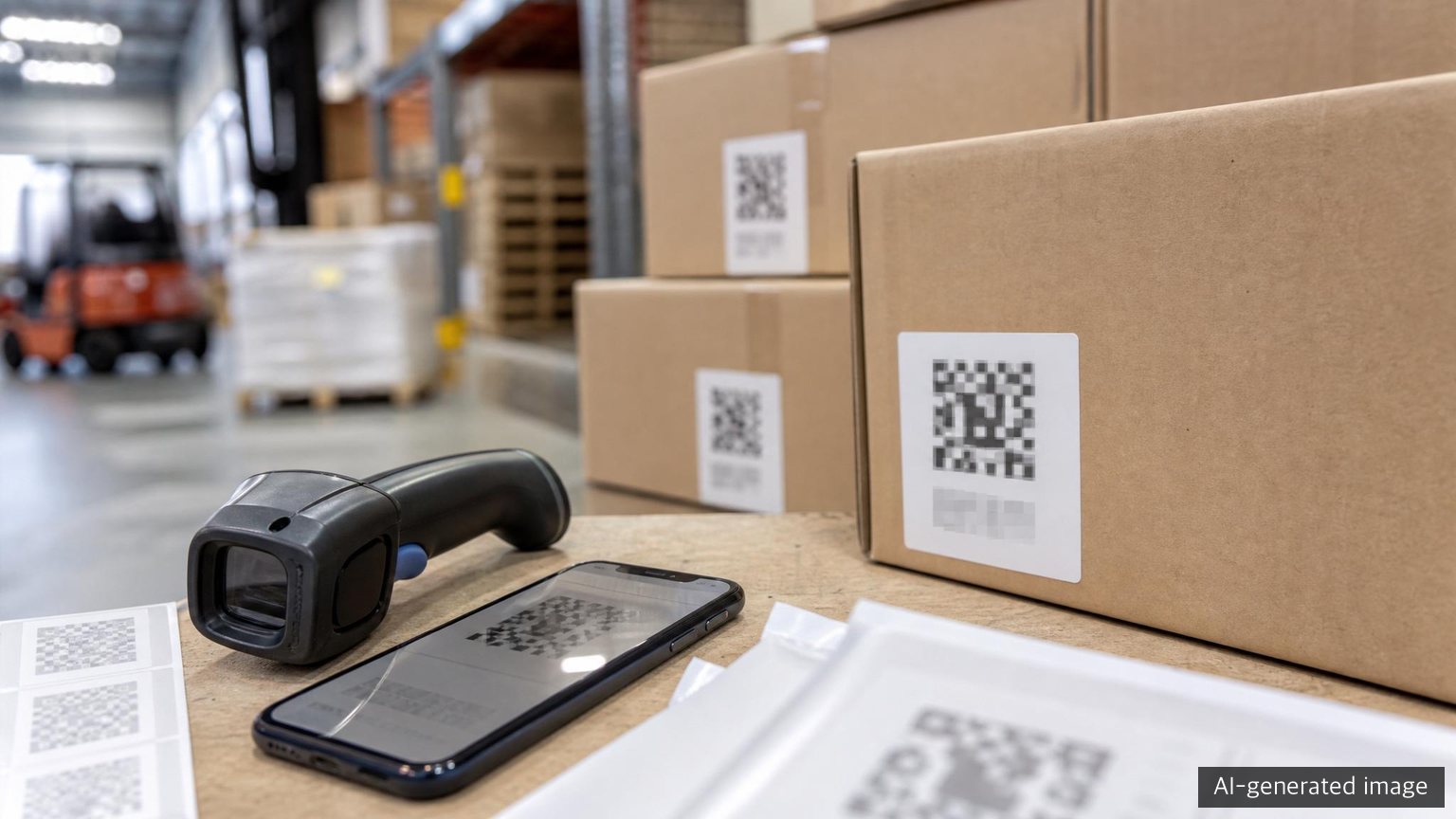
When people hear about QR codes on packaging, they often think of promotional pages. In B2B packaging, however, QR codes are becoming something more practical. A packaging label can become an entry point for product identification, lot tracking, certificate lookup, regulatory documents and claim response.
GS1 describes GS1 Digital Link as a standardised method for encoding identifiers such as GTINs, GLNs and SSCCs, along with batch numbers, serial numbers, expiry dates and more, in a web address format. GS1 also explains that these identifiers can be encoded in a barcode for scanning systems and connected to online information.
For B2B packaging teams, the key question is not simply whether to print a QR code. The more important questions are which identification system the code follows, what information it connects to, and who owns updates after the label is printed.
Why packaging QR is different from a simple marketing QR
A marketing QR usually links to a company introduction, catalogue or campaign page. If that page changes, the packaging itself may not be affected. A B2B packaging QR is different because it can connect to operating data.
For example, if an export outer carton carries a QR label, the following questions matter.
- Is the QR assigned to the product, packaging item or shipment unit?
- What identifier is read when it is scanned?
- Can it distinguish lot, production date, customer, or packaging specification?
- Does it connect to certificates or inspection reports?
- Can customers, inspection bodies and internal quality teams see consistent information?
- Can the link be managed without reprinting the physical QR code every time a document changes?
In short, a B2B packaging QR is a data connection point. A marketing QR is useful if it is scanned. A B2B identification QR must support the work process.
GS1 Digital Link in practical terms
The core idea of GS1 Digital Link is to express product identifiers as web addresses. According to GS1, this allows GS1 identifiers to be encoded in a barcode, decoded by scanning software and connected to online information.
In practical terms, the process looks like this.
- Assign identifiers such as GTIN or SSCC to a product or logistics unit.
- Put those identifiers into a GS1 Digital Link URI structure.
- Print the URI as a QR or other 2D code.
- A scanner or application reads the identifier and passes it to an internal system.
- A web user can also reach online information such as certificates, instructions or traceability records.
The GS1 Digital Link URI Syntax standard defines how information should be placed in the URL. Primary identifiers such as GTIN can be expressed in the path. Qualifiers such as batch or serial information can also be used. Data attributes such as expiry date or weight can be represented as query string values where appropriate.
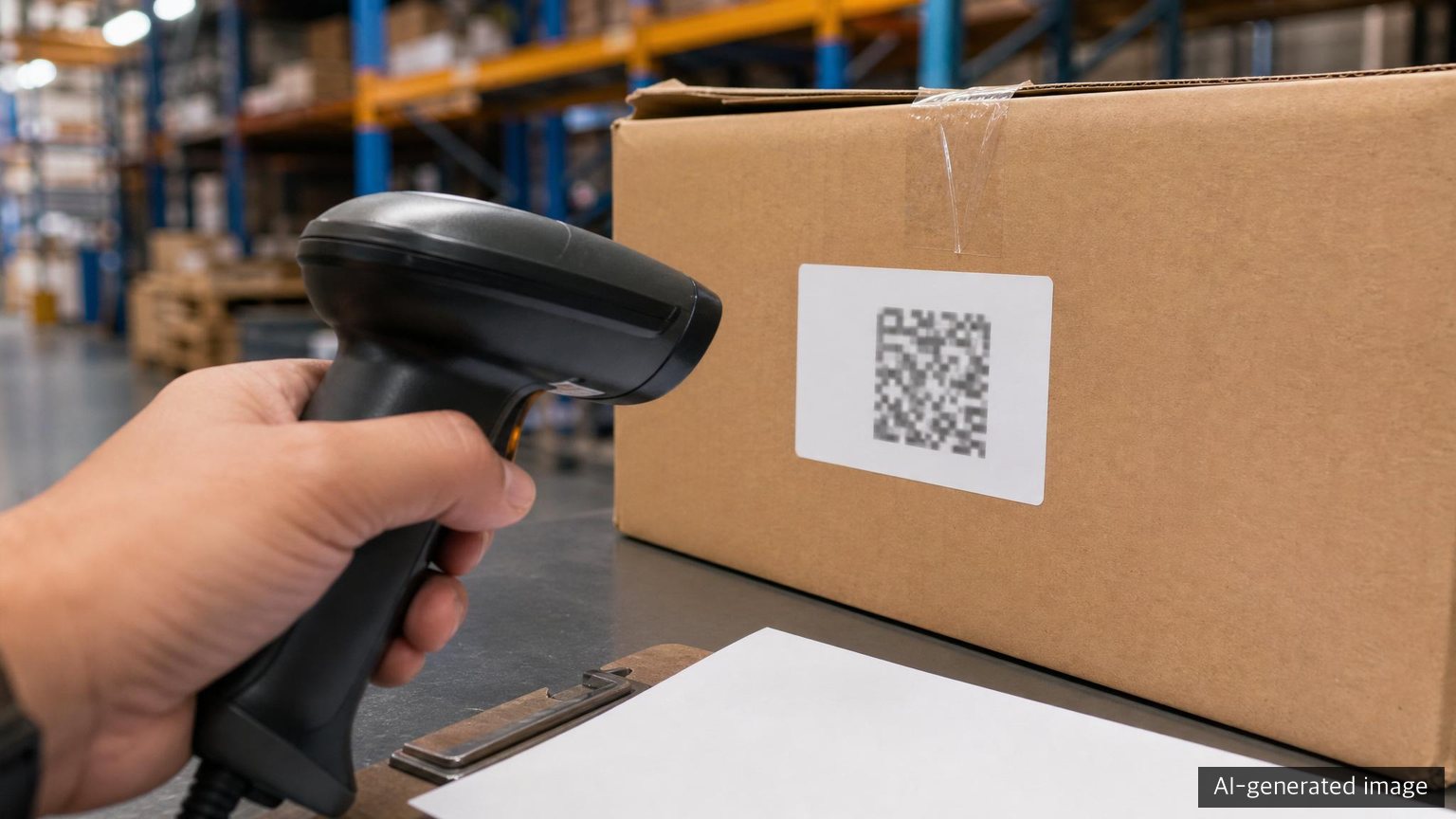
This is different from printing any ordinary URL as a QR code. GS1 Digital Link connects existing industry identifiers with web links in a standard structure, so internal systems, trading partners and external lookup pages can refer to the same identifier.
What information can be connected to a B2B packaging label
Not every piece of information should be printed on the packaging. Label space is limited, and many documents change over time. A QR or GS1 Digital Link structure can print the key identifier and connect detailed information online.
Useful information categories include the following.
- Product identification: connect product code, GTIN and model name. Internal codes and external identifiers need a clear matching rule.
- Packaging unit: distinguish carton, bundle, pallet or shipment unit. Define what physical unit is being scanned.
- Lot data: connect production date, lot or production line where appropriate. Protect confidential or sensitive information.
- Quality documents: connect inspection reports, specifications or approval drawings. Manage customer-specific access.
- Certification records: connect FSC, recyclability or food-contact related documents where relevant. Track validity periods and applicable items.
- Regulatory data: connect material composition, weight, sorting instructions or origin data. Reflect market-specific requirements.
- Claim response: connect photo upload, recall request or inquiry forms. Define access rights and record retention rules.
Trying to connect everything at once is risky. Start with the item code and packaging unit, then connect the documents customers request most often.
Benefits for regulation, quality and claims
A well-designed packaging QR or GS1 Digital Link structure can support three areas.
First, regulatory document response becomes faster. If material composition, packaging weight, certificates and origin data are tied to the right identifier, teams spend less time searching for files when customers ask for documents. This is especially useful when the same packaging item is used for multiple products.
Second, quality issue tracking becomes easier. Packaging defects, print errors, moisture damage and breakage often depend on lot and delivery timing. Unit-level identification helps narrow the issue more accurately than a vague description such as last month’s boxes.
Third, claim response becomes more consistent. Confusion occurs when the specification a customer sees is different from the one used by the quality team. A shared identifier linked to approved current documents helps align the response.

However, printing a QR code does not automatically create traceability. Identification rules, label issuance standards, data update responsibility and access control must be defined together.
Checklist before introducing packaging QR
Before introducing QR labels for B2B packaging, check the following.
- Decide whether the QR belongs to the product, carton, pallet or shipment unit.
- Define how internal item codes match GS1 identifiers.
- Check whether the customer or distribution channel requires a specific label format.
- Avoid printing the QR in a location where it is likely to be damaged.
- Test scanning with actual warehouse scanners and phones.
- Assign responsibility for approving and updating linked documents.
- Track certificate and test report validity periods.
- Separate public, customer-only and internal documents.
- Use a link structure that can be maintained without reprinting labels whenever possible.
- Check for conflicts with existing barcodes, labels, ERP or WMS processes.
Items 6 and 8 are especially important. A QR can become an external access point. If internal documents, customer documents and public documents are not separated, the risk increases.
Where small companies can start
A small company does not need to complete a full GS1 Digital Link program from day one. It can start by cleaning up packaging label data.
A practical sequence is:
- Select around 10 frequently exported products and packaging items.
- List product codes, packaging codes, lots and shipment units.
- Identify documents customers repeatedly request.
- Separate documents that can be shared from restricted documents.
- Create a test QR label and check scan performance in the actual workplace.
- Review whether GS1 identifiers are needed for the next stage.
- Discuss label format, link method and access rights with customers where necessary.
This prevents QR codes from becoming decoration. The value is not the code itself, but the quality of the data behind it.
Closing
Packaging QR and GS1 Digital Link are not just digital promotion tools. In B2B packaging, they can become part of the operating infrastructure that connects identifiers, labels, certificates, regulatory data and claim history.
As packaging regulation and supply chain data requests increase, companies will need to know not only what documents they have, but also which packaging unit each document belongs to. A practical starting point is to define item codes, packaging units, shareable documents and update ownership before building a larger system.
Author
PackingMaster: Editor of Paper Pack Log. We organize market trends, product information and technical insights from the paper packaging industry.
References
- GS1, GS1 Digital Link, https://www.gs1.org/standards/gs1-digital-link
- GS1, GS1 Digital Link standard reference, https://ref.gs1.org/standards/digital-link/
- GS1, GS1 Digital Link URI Syntax, https://ref.gs1.org/standards/digital-link/uri-syntax/